



Expert consultations
For best results

1-3 days delivery
Free with purchases over 50 EUR

Installation services
All installation work

14-day return
Feel safe
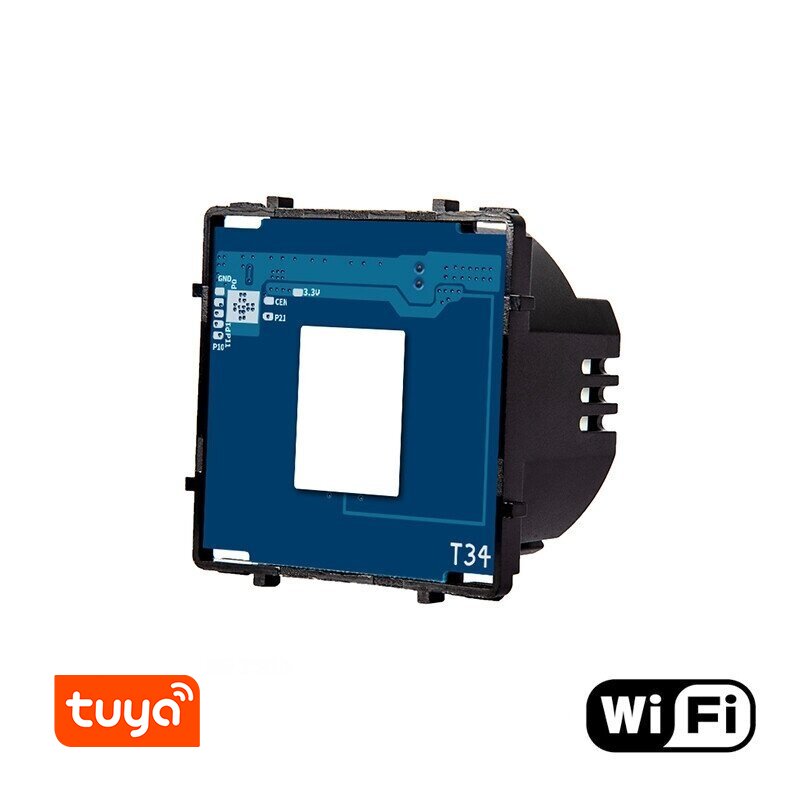
Single-pole sensor switch Feelspot FSSW61W, WiFi, 600W (without cover). With a modern design switch, you can control the lighting in the room with one touch when you need it most. The single-pole sensor switch Feelspot has a built-in LED indicator that shows when the light is on/off, which will help you easily find the switch in the dark. The simple-to-use and reliable sensor switch Feelspot will implement a variety of technical and interior design solutions that meet the needs of the most demanding customer.
Advantages:
- The elegant, minimalist design of the switch will fit perfectly into the interiors of both classic and modern homes, apartments, hotels and offices;
- High-quality touch switch with a longer lifespan than standard mechanical switches – up to 100,000 cycles;
- Individual switches are easy to use and easy to connect;
- Designed for all types of bulbs, including traditional bulbs, LED lighting, fluorescent lamps and energy-saving bulbs.
Technical information:
- Type: WiFi single-pole switch;
- Operating voltage: 110-240V AC 50/60Hz;
- Power: 600W;
- Certificates: CE, RoHS.
Advantages of WiFi switches:
- By connecting the switch to your home network and the application on your phone/tablet, you can control it from anywhere in the world - wherever you have internet access;
- The Smart Life app will allow you to clearly and simply manage Google Play and the App Store;
- In the program, you can control one, several selected or all switches at once;
- Full compatibility with Android and iOS;
- Ability to set a schedule for switching operations;
- Many additional functions: turning off all circuits at once, displaying switch states and turning off after a preset time.
Installation:
- Before starting the assembly, disconnect the power to the relevant circuit. This is very important and necessary to calibrate the switch. Installing the switch with the power supply on may damage it!
- Make sure that the load generated by the bulb(s) is within the range described on the sticker on the back of the module.
- Open the panel by turning a flat screwdriver clockwise in the designated area.
- Connect the switch mechanism according to the diagram provided.
- Attach the switch to the box. Do not remove the white sticker from the switch sensor.
- Place the glass plate on the housing and turn on the power. Do not turn on the power without adding the glass plate, as the switch will be incorrectly calibrated.
- Over the next two minutes, the touch is calibrated. The light may turn on and off by itself.
- After calibration, the switch is ready for use.
Connection:

